Try our other assets: Project Hub
Project Doctor
Unreal Engine Project Health Toolkit
View on Fab

Project Doctor

Diagnose. Clean. Optimize.

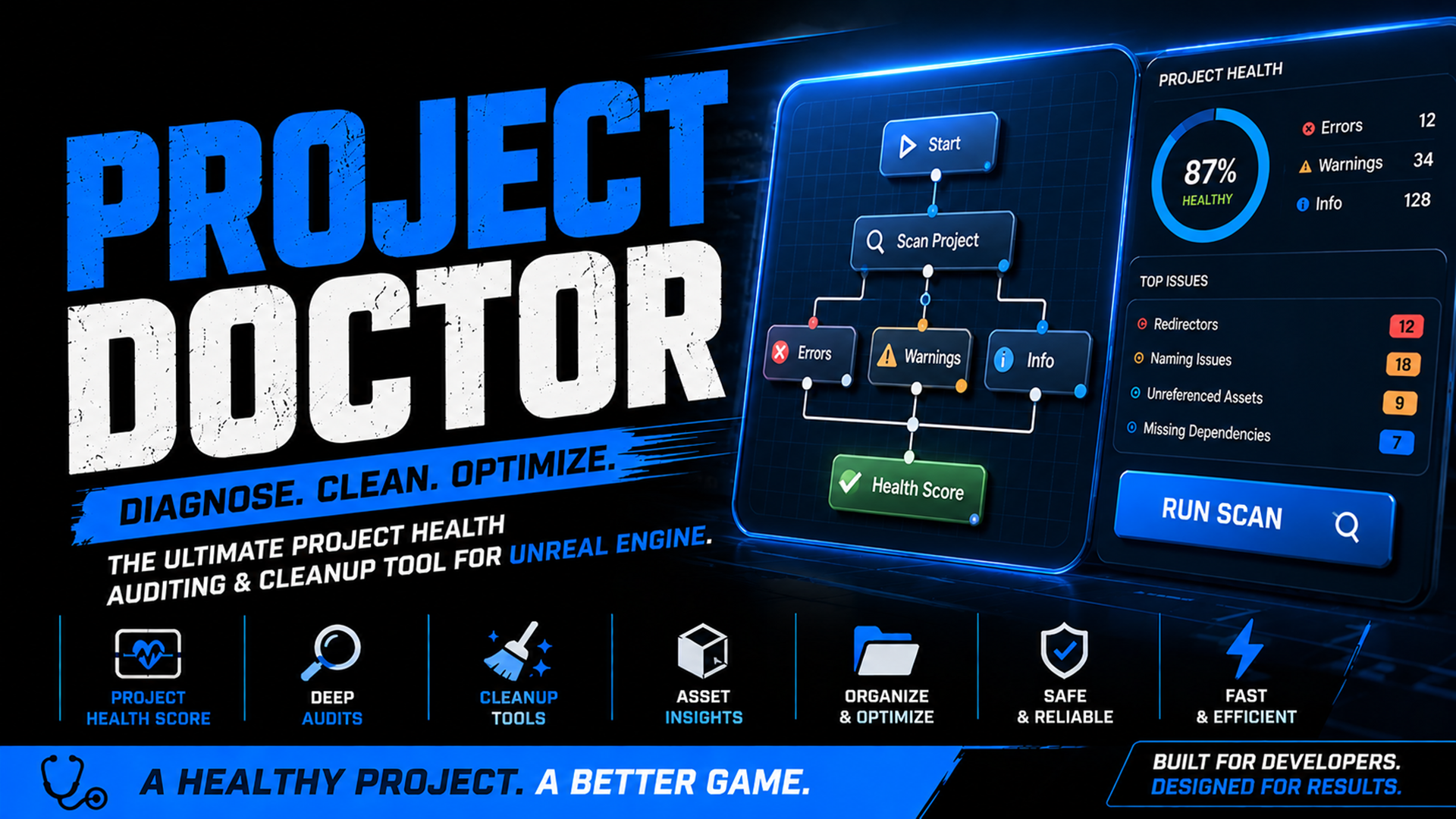
Project Doctor is a project health auditing and cleanup toolkit for Unreal Engine. It helps developers identify technical debt, maintain clean project structures, and resolve common project maintenance issues directly inside the editor.

Health Score Clear project quality overview
Asset Audits Find risky or messy content
Fast Cleanup Fix common project issues

Project Health Auditing

  • Health Score
  • Asset Audits
  • Blueprint Audits
  • Dependency Analysis
  • Organizational Checks

Cleanup Tools

  • Fix Redirectors
  • Delete Empty Folders
  • Fix Naming Issues
  • Automatic Rescanning

Editor Integration

  • Toolbar Button
  • Dockable Window
  • Asset Thumbnails
  • Context Menus
  • Asset Navigation

Why Use Project Doctor?

01
Scan your project

Run a project-wide check for asset, Blueprint, dependency and folder structure issues.

02
Review results

Separate issues by severity so errors, warnings and informational notes are easy to inspect.

03
Clean safely

Use targeted cleanup tools for redirectors, empty folders and naming convention problems.

04
Rescan

Verify improvements after cleanup and keep your project easier to maintain over time.

Installation

1. Install Project Doctor from Fab.
2. Enable the plugin in Unreal Engine.
3. Restart the editor.
4. Click the Project Doctor toolbar button.

Quick Start

1. Open Project Doctor.
2. Click Run Scan.
3. Review Errors, Warnings and Info items.
4. Double-click results to open assets.
5. Use cleanup tools to resolve issues.
6. Run another scan to verify improvements.

Cleanup Tools

Fix Redirectors

Repairs redirector assets generated by asset moves and renames.

Delete Empty Folders

Removes unused content folders and helps keep projects organized.

Fix Naming Issues

Automatically renames assets to follow common Unreal Engine naming conventions.

Results Navigation

  • Double-click a result to open the associated asset.
  • Browse directly to assets in the Content Browser.
  • Copy asset paths and issue details.
  • Filter results by severity.
ERROR Broken references, missing assets or project issues that should be fixed first.
WARNING Potential maintenance problems such as naming inconsistencies or unused folders.
INFO Helpful notes for project structure, organization and cleanup opportunities.

Supported Version

Project Doctor is currently tested and supported on Unreal Engine 5.7.

Important Notes

Always use source control before performing automated cleanup operations. Project Doctor modifies project content when cleanup tools are executed.